Diese Anleitung zeigt dir, wie du dein NETZFABRIK E-Mail-Postfach in Apple Mail auf deinem Mac einrichtest.Documentation Index
Fetch the complete documentation index at: https://docs.netzfabrik.com/llms.txt
Use this file to discover all available pages before exploring further.
Konto hinzufügen
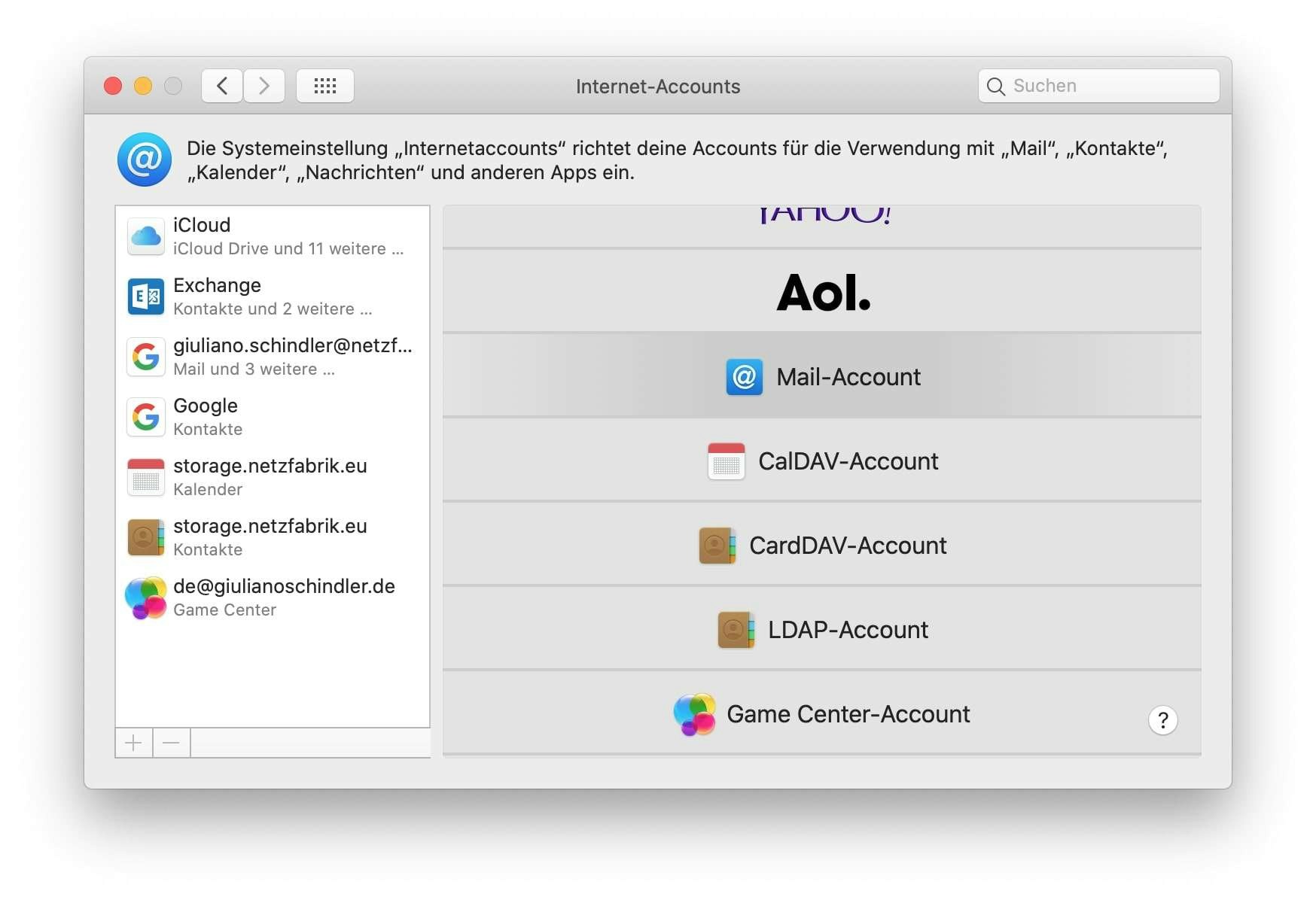
- Öffne Apple Mail und navigiere in der Menüleiste zu Mail → Accounts
- Klicke auf Anderen Account hinzufügen und wähle Mail-Account
- Gib deinen Namen, deine E-Mail-Adresse und dein Passwort ein
- Klicke auf Anmelden
Server-Einstellungen
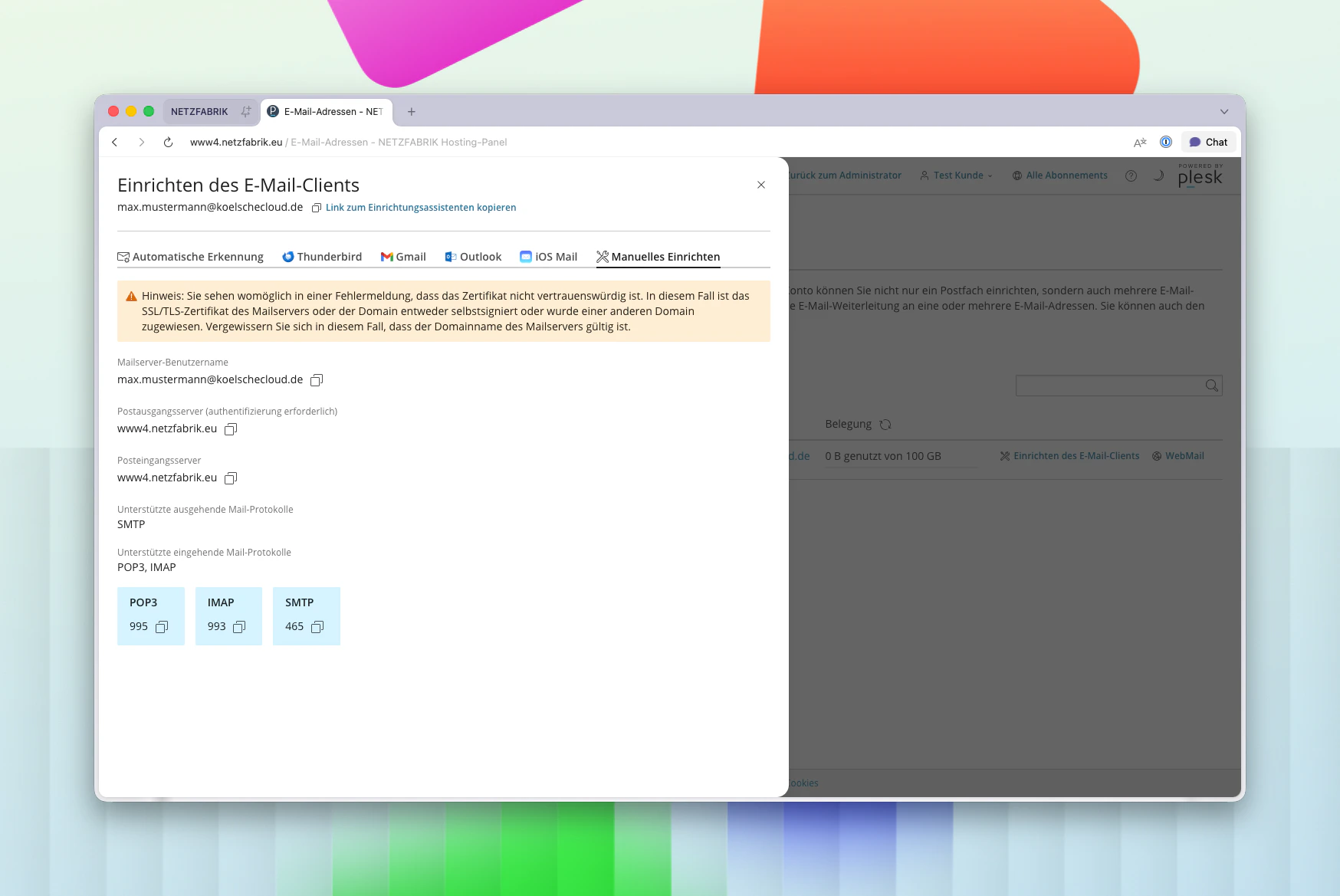
Falls Apple Mail die Konfiguration nicht automatisch erkennt, trage die Daten manuell ein:| Einstellung | Wert |
|---|---|
| Accounttyp | IMAP |
| Posteingangsserver | Deine Plesk-URL |
| Postausgangsserver | Deine Plesk-URL |
| Benutzername | Deine E-Mail-Adresse |
| Passwort | Dein Postfach-Passwort |

Alle Ports im Überblick
| Protokoll | Port | Verschlüsselung |
|---|---|---|
| IMAP | 993 | SSL/TLS |
| POP3 | 995 | SSL/TLS |
| SMTP | 465 | SSL/TLS |